
When your team is happy with a set of translations, you want that wording to stay in place. Marking translations as human in Localize helps protect the wording you’ve already approved. Until now, you had to do that one phrase at a time.
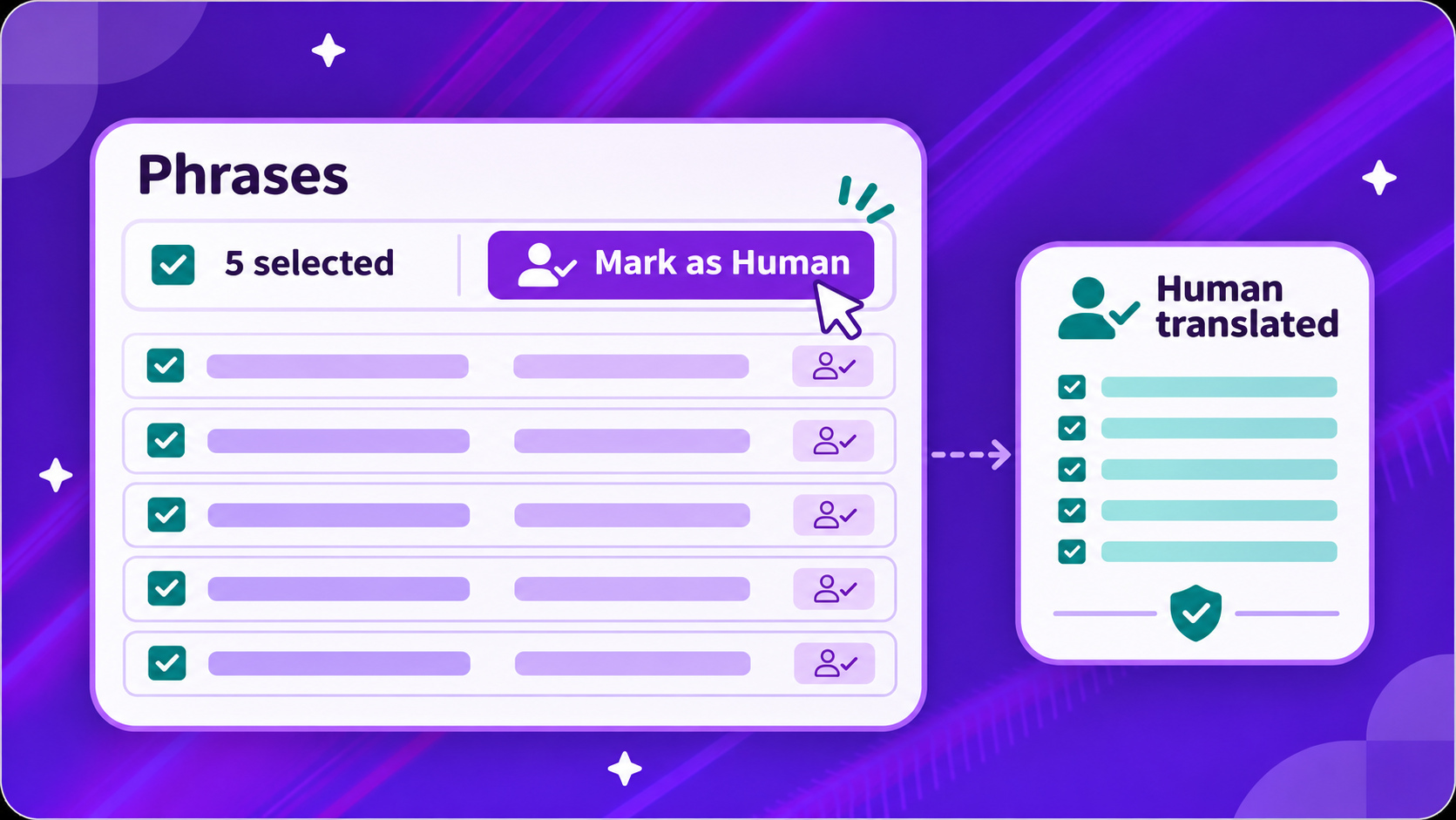
Now, you can use Mark as Human as a bulk action. In the Phrases tab, select the translated phrases your team has reviewed and choose Mark as Human from the bulk actions menu. Localize will apply the human translated status to the whole section to keep those translations out of workflows that skip human translations.
If reviewing translations is part of your day-to-day work, those extra clicks add up quickly, especially when you’re keeping several languages current. Marking an entire batch as human-reviewed helps preserve the wording you’ve already approved and reduces the chance you’ll have to revisit it later.
With this update, you'll have more time to review new or updated content and make the judgment calls that need your attention.